Category: How To

Schedule Every Stop Independently with the Light 3 Booking Theme

Most courier jobs need one collection and one delivery at a single time. But multi-drop rounds, medical runs, and day-long pickup schedules are different — each stop needs its own date and time.

That’s exactly what the Light 3 booking theme does. Instead of one global “collection date and time” for the entire journey, every address in the job gets its own date, time, and scheduling fields.

Here’s how to set it up.


Switching to the Light 3 theme

  1. Go to TransitQuote Pro → Order Form.
  2. Find the Form Theme setting.
  3. Choose Light 3 from the dropdown. (Your other options are Classic, Light Checks, and Light — Light 3 is the per-address layout.)

The Order Form settings page with the Form Theme dropdown open and Light 3 highlighted

  1. Save.

That’s the switch. Your booking form will now render a date/time block inside each address, rather than a single global one.


What each address gets

In the Classic and Light themes, one Collection Date and one Collection Time apply to the whole job. In Light 3, every stop — the collection and each delivery — carries its own:

A Light 3 collection block (Visit Type

  • Date — when this stop happens.
  • Time — the time for this stop.
  • Visit Type — whether the stop is a Collection, a Delivery, or Collection and Delivery.
  • Time Type — choose whether the customer must arrive at a set time, by a deadline, or ASAP.
  • Contact name & phone (optional) — switch these on in the Order Form settings and each stop captures its own contact, so the driver knows exactly who to call at every address.

So a customer can book “collect at 09:00 on Tuesday, deliver by 17:00 on Wednesday” in a single job — exactly as shown above — and the form captures each constraint against the correct stop.

With the contact fields switched on too, a single stop can carry the full set — address, unit, postcode, contact name and phone, visit type, time type, date and time:

A single Light 3 stop with every per-address field populated — address, unit, postcode, contact name and phone, Visit Type, Time Type, date and time

The labels (Collection Date, Collection Time, and Time Type) are all editable from the Order Form tab, so you can word them to match how your business talks to customers.


When to use Light 3

  • Scheduled multi-drop rounds — each drop booked for its own slot.
  • Medical and lab couriers — timed sample collections with delivery deadlines.
  • Pre-booked pickup days — several collections across a day, each at a different time.
  • Anything with a deadline per stop — “by 9am” at one address, “at 2pm” at another.

If your jobs are single collection → single delivery with one time, the standard Light or Classic theme is simpler and a better fit. Light 3 earns its keep the moment stops need different times.


Frequently asked questions

Question Answer
Can I switch back to another theme later? Yes — the Form Theme setting on the Order Form tab lets you change at any time. Existing jobs keep their data.
Does Light 3 work with WooCommerce checkout? Yes, including block-based checkout. (Make sure you’re on the latest version of TransitQuote Pro for the smoothest experience.)

Ready to try it?

Make sure you’re on the latest TransitQuote Pro (one click from the Plugins screen), then go to TransitQuote Pro → Order Form and set Form Theme to Light 3. Run a test booking with two stops at different times to see the per-address fields in action.

Questions? Get in touch via our contact form.

Booking Form Upgrade in TransitQuote Pro

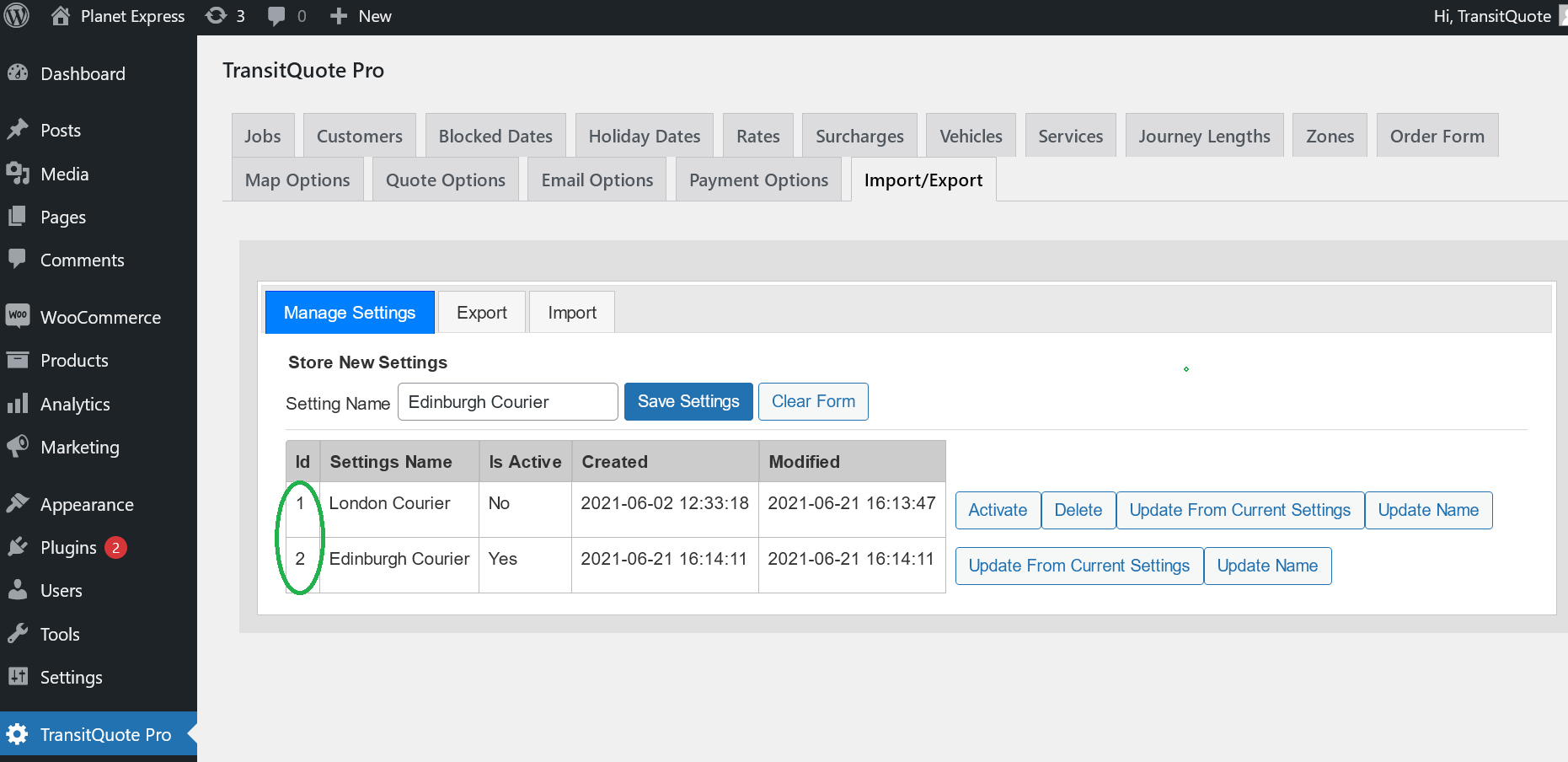
New Booking Form Settings

TransitQuote Pro version 4.5.0 is out this week and one of the most important new features is an improvement to the way booking forms are set up.

The aim of the booking form upgrade is to give you more flexibility when configuring multiple booking forms.

Why would you want to set up more than one booking form? There are a number of reasons:

Are You Ready for 2021?

Fresh snow on the road

It’s the beginning of a new year and after last year, boy are we glad!

The holiday season is over and those of us who can work from home or are key workers are back at work.

After the Christmas rush many industries including couriers and logistics can be on the quiet side during January so it is the perfect time to strategize and make plans to improve and grow during 2021.

Setting Up Rates In TransitQuote Pro

There are many different ways you can price the services that your transportation or delivery business offers.

One of our aims with the TransitQuote Pro delivery price calculator is to be as flexible as possible so that the widest possible range of pricing schemes can be automated on your business website.

With so many options for price calculation options available, we often receive questions from new customers asking the correct way to set up their rates.

In this article we will have a look at some examples of commonly used pricing schemes and how to set them up in TransitQuote Pro.

Introducing the TransitQuote Affiliate Programme

TransitQuote has just launched an attractive affiliate programme that could help you make some extra income by referring our software to your customers or clients.

Our affiliate programme is particularly effective when your business has a website or provides digital products or services such as web development to the transportation industry.

You can read more about it here:

https://www.transitquote.co.uk/affiliate-programme/

WordPress Vs Page Builders For Your Next Transportation Website

A functional and attractive website is intrinsic to business these days. If you are in the transportation business, specifically car hire, logistics, or courier, a website can go a long way in bringing you and your customers closer for business. However, the biggest confusion when starting to build a website is how and where to start. There are so many options out there that it is easy to get lost. Let us take a look at some of these options and see which one is the best for building your transportation website.

How To Backup Your WordPress Website

The importance of backing up your WordPress website for your courier business can hardly be exaggerated.

Just like saving your work when you are writing a paper or a report is crucial, backing up your website regularly is just as crucial, if not more.

In a world driven by technology you always want a backup for your system, documents, or database.